
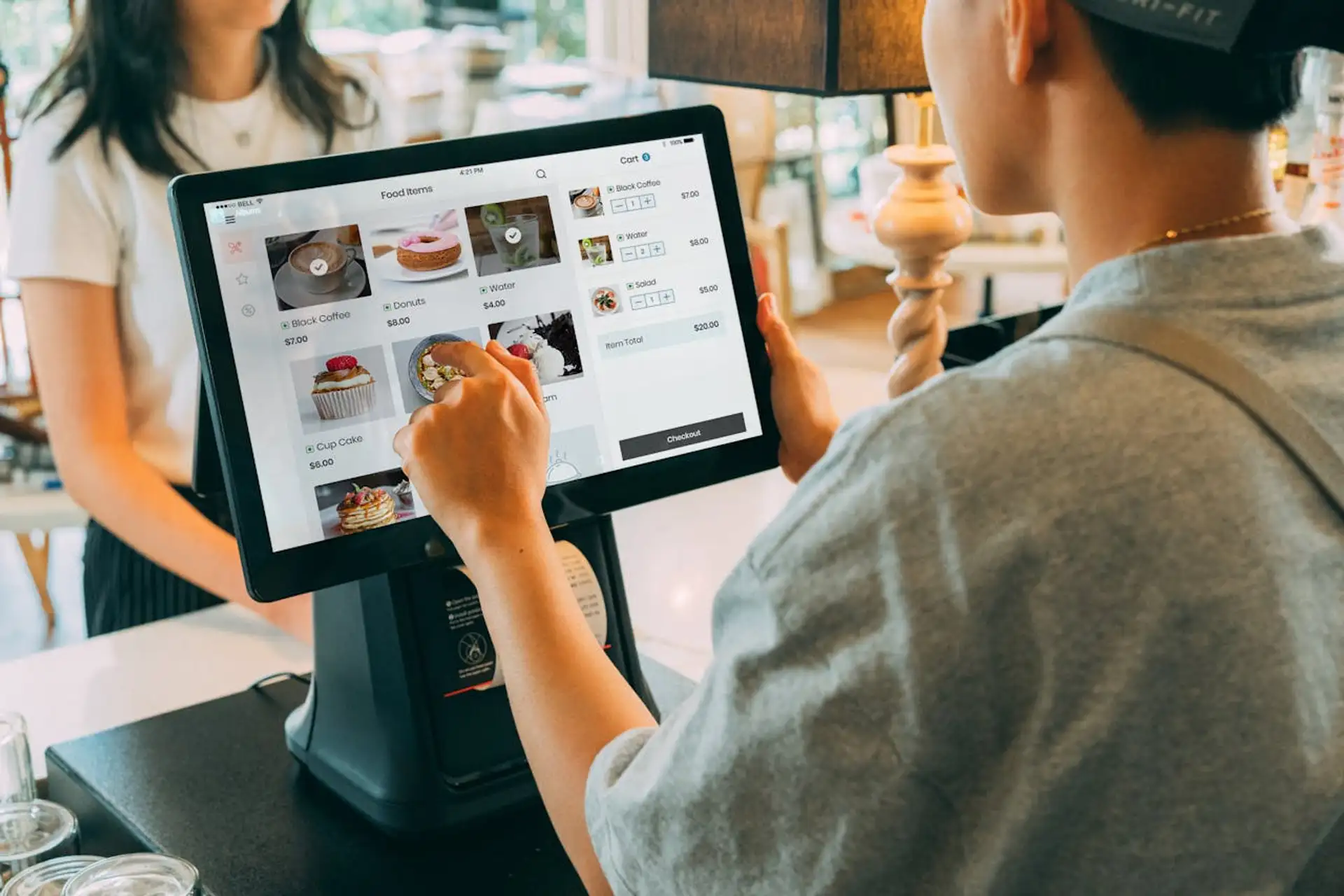
How to Choose the Right POS System for Global Retail Stores in Japan
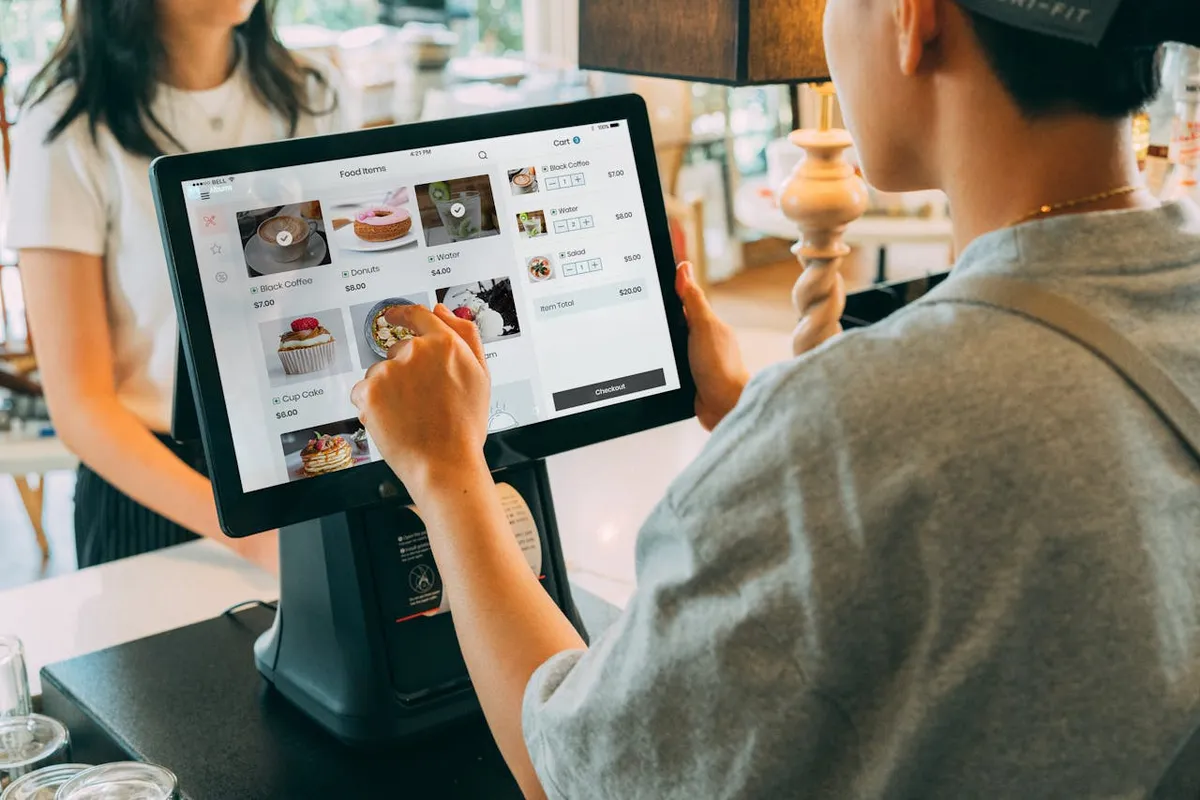
Expanding your retail operations into Japan brings both opportunity and complexity. The right POS system can make or break your in-store experience—especially when you’re managing a mix of Japanese payment standards and global customer expectations.
In this guide, we’ll walk through how to select a POS that supports both local and international payment types, integrates cleanly with your ERP, and ensures your stores deliver a seamless checkout experience for every customer.
The Challenge: One POS That Works for Everyone
Your stores run smoothly everywhere else. Then you expand to Japan—and suddenly, your global POS struggles. Transactions lag. Tourists ask if you accept Alipay. Staff juggle multiple terminals just to process one sale.
You’re not alone. Japan’s retail ecosystem is unlike any other—dense, diverse, and built around both cashless tourists and traditional local systems. Choosing the right POS here isn’t just about hardware—it’s about localization, compliance, and real-world usability.
This guide walks you through how to pick a POS that satisfies Japanese standards, works seamlessly for tourists, and actually integrates with your global infrastructure.
Step 1: Make Sure It Handles Every Payment Type
Japan’s cashless landscape is a mix of IC cards, QR codes, and mobile wallets, often used interchangeably.
Local Payment Methods
- IC cards: Suica, Pasmo, ICOCA
- QR code payments: PayPay, LINE Pay, Rakuten Pay
- Domestic credit cards: JCB, Diners Club
Tourist & Global Payment Methods
- Credit/debit: Visa, Mastercard, American Express
- Mobile wallets: Apple Pay, Google Pay, Alipay, WeChat Pay
- Currency handling: Dual-display for yen and home currency
Pro Tip: Choose a POS that can auto-detect card region and apply the right tax and rate. Systems from NEC, Toshiba TEC, or Square Japan do this reliably.
Step 2: Prioritize Localization Over Features
Many global POS vendors underestimate how much localization matters in Japan.
| Localization Need | Why It Matters | What to Look For |
|---|---|---|
| Bilingual UX | Non-Japanese staff and local cashiers must use the same system | Interface toggling between English and Japanese |
| Japanese Formatting | Yen lacks decimals; incorrect rounding causes accounting issues | POS supports proper ¥ formatting |
| Date & Receipt Formats | Japanese fiscal formats differ from Western standards | Customizable date, tax, and invoice display |
| Customer Experience | Politeness and clarity at checkout matter | Receipts with bilingual messages and loyalty integration |
Global systems like Shopify POS or Lightspeed often miss these nuances—while localized platforms such as AirREGI or NEC RetailPOS are built with them in mind.
Step 3: Check Integration and Compliance Early
If your POS doesn’t integrate with your existing systems, you’ll feel it within weeks.
Core Integrations to Ask For
- ERP: SAP, Oracle, or Fusion Reactor
- CRM & Loyalty: Salesforce, HubSpot, LINE integration
- E-Commerce: Shopify Japan, EC-CUBE
- Analytics: Power BI or Looker Studio
Compliance to Verify
- PCI DSS – Required for all card payments
- APPI (個人情報保護法) – Japan’s personal data protection act
- Invoice Number System (適格請求書制度) – Electronic receipt compliance
In practice: A luxury retailer in Ginza integrated POS with SAP via API sync and reduced manual reconciliation time by 70% in three months.
Step 4: Evaluate Hardware and Reliability
Japan’s retail environments are space-constrained and customer-heavy.
That means you need POS terminals that are small, fast, and bilingual.
| Type | Example | Ideal For |
|---|---|---|
| Tablet POS (iPad-based) | Square Japan | Pop-ups, boutiques |
| Dedicated Terminal | Toshiba TEC, NEC | Department stores, high volume |
| Hybrid Cloud POS | Fusion Systems integrated solution | Multi-location retail chains |
Look for specs like:
- 4G/LTE failover for network redundancy
- < 3-second average transaction speed
- -10°C–40°C operating range
- Built-in encryption chip for security
Step 5: Compare Total Cost of Ownership
| Provider | Monthly Cost | Payment Types | Bilingual | Best For |
|---|---|---|---|---|
| AirREGI | ¥12,000–¥20,000 | Suica, PayPay, Visa | JP only | Local SMEs |
| Square Japan | ¥0–¥10,000 | Visa, Amex, Apple Pay | EN/JP | Global brands |
| NEC RetailPOS | Custom | All major + QR | JP/EN/CH | Department stores |
| Fusion Systems Integration | Custom | Multi-region + ERP sync | Full bilingual | Enterprise retail |
Don’t just compare subscription prices—factor in support, training, and integration effort.
A “cheaper” POS can cost more in downtime and manual fixes.
Step 6: Confirm Local Support and Onsite Help
In Japan, the most common reason global systems fail isn’t the tech—it’s the support gap.
Your POS partner should offer:
- Bilingual support (EN/JP) during retail hours
- Onsite assistance for installation and training
- Remote monitoring to detect and resolve issues early
Example: One international retailer avoided ¥1.2M in annual loss after switching to a vendor with 24/7 bilingual tech support.
Common Mistake to Avoid
Mistake: Choosing a POS designed for Western markets and trying to localize it afterward.
What Happens: Misaligned tax formats, API incompatibility, and months of reconfiguration.
Better Approach: Start with a Japan-ready platform that integrates upward with your global stack, not the other way around.
Key Takeaway
The right POS for Japan isn’t the one with the most features—it’s the one that fits your operational reality.
Look for:
- Multi-payment and bilingual capability
- Reliable integration with your ERP
- Proven compliance and onsite support
If your current system feels like it’s fighting Japan’s retail landscape instead of fitting into it, it’s time for a change.
Ready to get started?
Join us today and transform your digital presence with our innovative solutions.
Contact Us